How to Restore Progress in Hay Day MOD APK ?(2026 Guide)
Losing your Hay Day farm can be extremely frustrating—especially after investing hours or even years into building it. This issue becomes even more common when using a Hay Day MOD APK, reinstalling the game, switching devices, or playing without linking your account properly.
In this guide, you’ll learn all possible ways to Restore Progress in Hay Day MOD APK, why progress loss happens, and what you can realistically recover in 2026.
Can You Recover Progress in Hay Day MOD APK?
Restore Progress in Hay Day MOD APK is not always guaranteed in a MOD APK version of Hay Day. Unlike the official app, modded versions often do not sync properly with Supercell’s servers.
Difference Between Official Hay Day and MOD APK Versions
The official Hay Day uses Supercell servers to save and sync your farm via:
- Supercell ID
- Google Play Games (Android)
- Game Center (iOS)
MOD APKs may:
- Block or bypass server communication
- Store progress locally only
- Break login or sync features
Important Limitations of MOD APK Progress Recovery
If your MOD version:
- Never connected to Supercell ID, Google Play, or Facebook
- Was played offline most of the time
Then progress recovery may be partial or impossible. However, if your farm was once connected to an official login method, recovery is still possible.
Common Reasons Why Hay Day Progress Gets Lost
Understanding the cause helps you choose the right recovery method.
Farm Not Linked to Supercell ID
If your farm was never connected to Supercell ID, it exists only locally and can be lost after reinstalling the app.
Google Play Games or Game Center Not Connected
On Android or iOS, progress won’t sync if you’re logged into the wrong Google or Apple account.
Facebook-Only Login Issues
Older Hay Day accounts were often created using Facebook. If that Facebook account isn’t accessible or wasn’t properly documented, recovery becomes harder.
Weak Internet or Server Sync Failure
Poor internet during:
- Updates
- Purchases
- Harvesting
can prevent progress from saving.
App Bugs, Crashes, or Cache Corruption
Rare crashes or corrupted local cache can make your farm appear “lost” even though it still exists on the server.
Switching Devices Without Proper Backup
Changing phones without first linking your farm to an account is one of the most common reasons progress disappears.
How to Restore Hay Day Progress Using Supercell ID?
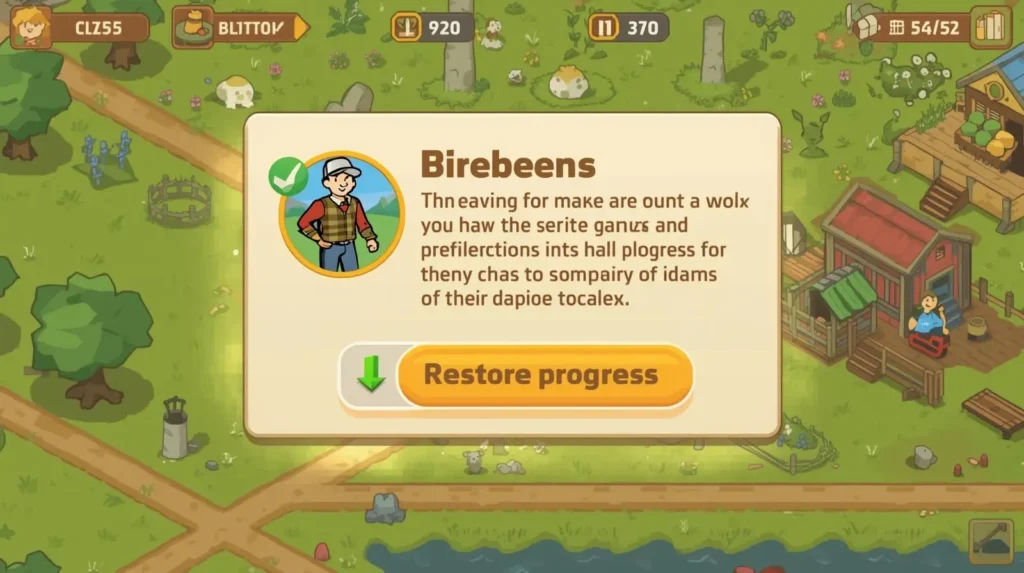
Supercell ID is the most reliable recovery method.
Complete the Tutorial to Unlock Login Options
After reinstalling Hay Day, you must finish the tutorial before login options appear.
Logging in Through the Social Icon
Once on the main screen:
- Tap the social/friends icon (bottom-right)
- Choose Connect Supercell ID
Connecting the Correct Supercell ID
If you’ve played other Supercell games (like Clash of Clans), the game may suggest an existing ID.
Make sure it’s the ID linked to your old farm.
Switching Between Multiple Farms
If the wrong farm loads:
- Go to Settings
- Tap Connected under Supercell ID
- Use Switch Account to choose another ID
Logging Out and Reconnecting a Different Supercell ID
You can log out and log in again with another Supercell ID to access a different farm.
If you enjoy Hay Day, check out our list of other fun farming games here to try similar experiences.
Fix Hay Day Progress Lost Without Supercell ID (2026 Methods)
If you didn’t use Supercell ID, these steps may help.
Check Google Play Games or Game Center Login
Open settings and make sure:
- You’re logged into the same account you used before
- The wrong account often makes the farm look lost
Make Sure the Correct Account Is Connected
A mismatched account doesn’t delete progress—it just hides it.
Use a Stable Internet Connection
- Use stable Wi-Fi or mobile data
- Avoid switching networks while playing
Weak connections can block proper saving.
Force Close and Reopen Hay Day to Sync Progress
- Close the game from recent apps
- Wait 10–20 minutes
- Reopen the game
This can trigger a server sync and restore recent progress.
Restore Hay Day Progress Using Google Play Games (Android)
Google Play Games is essential for Android users.
How to Connect Hay Day to Google Play Games
- Go to Settings
- Tap Google Play – Disconnected
- Choose your Google account
Why Choosing the Correct Google Account Matters
Hay Day allows one farm per Google account. Choosing the wrong account can permanently attach your farm to someone else’s profile.
One Farm, One Google Account Rule
If someone else logs into your device and connects their Google account first, your farm may become linked to them.
Confirming Your Farm Is Properly Saved
A welcome message with your username confirms the connection was successful.
Transfer Hay Day Progress to a New Android Device
Setting Up the New Device with the Same Google Account
Sign in to the same Google account before installing Hay Day.
Installing Hay Day and Skipping the Tutorial
After installation:
- Complete or skip the tutorial
- A popup should appear showing your existing farm
Selecting Your Existing Farm
Choose the farm you recognize to restore progress.
What to Do If the Restore Popup Does Not Appear
Manually go to:
- Settings → Google Play
- Connect your account as shown earlier
How to Recover a Hay Day Account Made with Facebook
This works even if you remember nothing about your farm.
Finding Hay Day in Facebook Connected Apps
Open Facebook settings and go to Connected Apps, then find Hay Day.
Copying Your Facebook User ID
Inside Hay Day’s app settings on Facebook, copy the User ID shown at the bottom.
Taking the Required Screenshot
Take a screenshot showing:
- Hay Day app details
- The year of connection
Contacting Hay Day Support With Facebook Details
Tell support:
- You used Facebook login
- You never created a Supercell ID
- Your Facebook name and email
- Facebook User ID
Information Support Needs to Restore Your Farm
Also provide:
- Device name used to play
- Approximate year the account was created
- The screenshot you captured
This helps verify ownership.
What to Tell Hay Day Support for Faster Recovery
Providing complete details speeds up recovery.
Device Name and Android Version
Mention the phone or tablet you used most.
Approximate Year of Account Creation
This helps narrow database searches.
Login Method Used
Specify whether you used:
- Supercell ID
- Google Play
Screenshots and Proof of Ownership
Any proof increases success chances.
For more tips and tricks to boost your farm, check out our detailed guide on Hay Day Farming Secrets.
Is It Safe to Restore Progress in Hay Day MOD APK?
Risk of Progress Loss in Modded Versions
MOD APKs:
- Are not officially supported
- Can break sync features
- Increase the risk of permanent loss
Why Official Hay Day Is More Secure
The official app offers:
- Server-backed saves
- Official support
- Reliable account recovery
When Switching Back to the Official App Makes Sense
If your farm matters long-term, moving to the official version is the safest option.
Frequently Asked Questions (FAQs)
Can You Restore Progress in Hay Day MOD APK on the Official Hay Day App?
Only if it was previously connected to an official login method.
What If I Don’t Remember Any Farm Details?
Facebook-based recovery or support verification may still work.
Does Supercell Support Help MOD APK Users?
They help account recovery, but not MOD-specific issues.
Can I Recover My Farm After Reinstalling Hay Day?
Yes, if your farm was properly linked.
Final Thoughts on Restoring Hay Day MOD APK Progress
Restore Progress in Hay Day MOD APK is possible only if your farm was linked to Supercell ID, Google Play, or Facebook. Unlinked farms are risky and may be lost permanently.
To avoid future issues, always:
- Use official login methods
- Keep screenshots and account details
- Play on a stable internet connection